
Get Your Free iPhone in 7 Simple Steps
Applying takes about 15 minutes — and most approvals land in 1–3 days. Follow the steps below, track your progress with the checklist, and avoid the mistakes that slow everyone down.
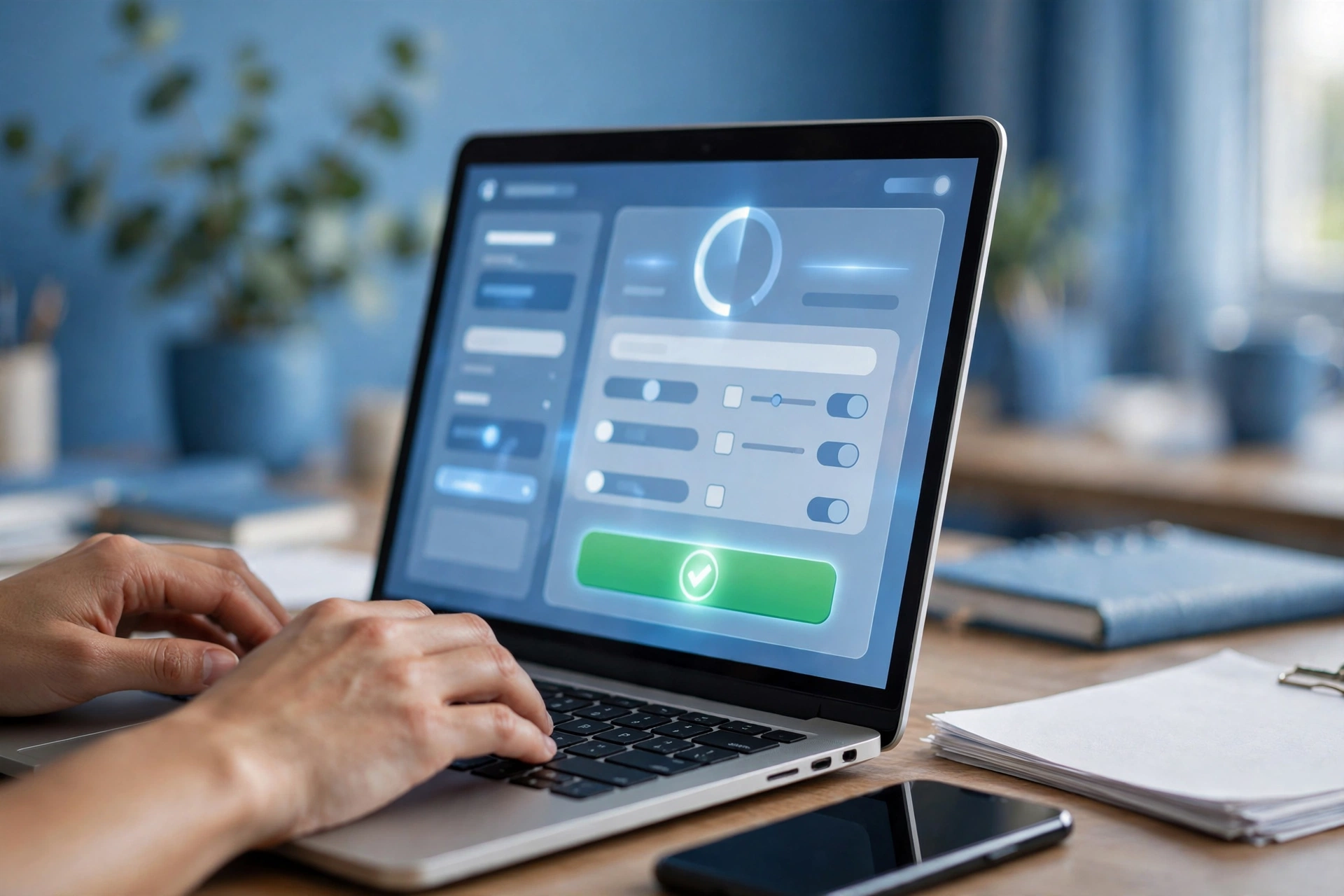
Your Application Checklist
Tap each step as you finish it — your progress saves in this browser.
📋 Track Your Progress
Complete all 7 steps to be application-ready.
- Confirm you qualifyProgram benefit or income under 135% of poverty level
- Gather your documentsPhoto ID, proof of address, proof of eligibility
- Pick a providerCompare phone stock, data, and network coverage
- Submit your applicationOnline via the provider or the National Verifier
- Get approvedUsually 1–3 days — watch for email/SMS
- Receive your iPhoneFree shipping, arrives in 5–10 days
- Activate & enjoyInsert SIM, follow the setup guide, start calling
🎉 All 7 steps done — you’re application-ready!
Now submit your application with confidence.
The 7 Steps, Explained
Everything that happens between “I want a free iPhone” and the phone in your hand.
Confirm you qualify
You qualify through benefit programs (SNAP, Medicaid, SSI…) or low income. Not sure? Run our 60-second eligibility check first.
Gather your documents
Photo ID, proof of address (utility bill or lease), and proof of eligibility (award letter or pay stubs). Snap clear photos — blurry uploads are the #1 delay.
Pick your provider
Phone stock, monthly data, and network coverage differ by provider. Compare providers side by side — you can switch later if you change your mind.
Submit your application
Apply on the provider’s website or through the FCC’s National Verifier. Enter your details exactly as they appear on your documents — typos cause rejections.
Get approved
Most people are approved automatically. Some applications need manual review — watch your email and texts, and respond fast to any document request.
Receive your iPhone
Your free iPhone ships free to your address. Track the package — someone should be available to receive it, or follow the delivery instructions.
Activate & enjoy
Insert the SIM, power on, and follow the activation steps in the box. Make your first call — your $0 plan starts right away.
From Application to iPhone: ~2 Weeks
Here’s what to expect at each stage.
Apply
Fill the form online
Approval
Auto or manual review
Shipping
Free delivery to you
Activation
SIM in, phone on, done
5 Mistakes That Slow Applications Down
Most rejections come from avoidable errors — not from ineligibility.
❌ Address mismatch
Your application address must match your ID or proof-of-address document. Moved recently? Update your documents first.
❌ Blurry document photos
Take photos in good light, keep the whole document in frame, and check they’re readable before uploading.
❌ Applying twice
Applying with two providers at once triggers duplicate flags. Pick one provider, apply once.
❌ Name/DOB typos
Your name and date of birth must match government records exactly — including middle names and suffixes.
❌ Ignoring follow-up emails
If the verifier asks for extra documents, respond within days. Unanswered requests expire and you start over.
❌ Paying anyone
Legitimate Lifeline applications are 100% free. Anyone charging an “application fee” is running a scam.
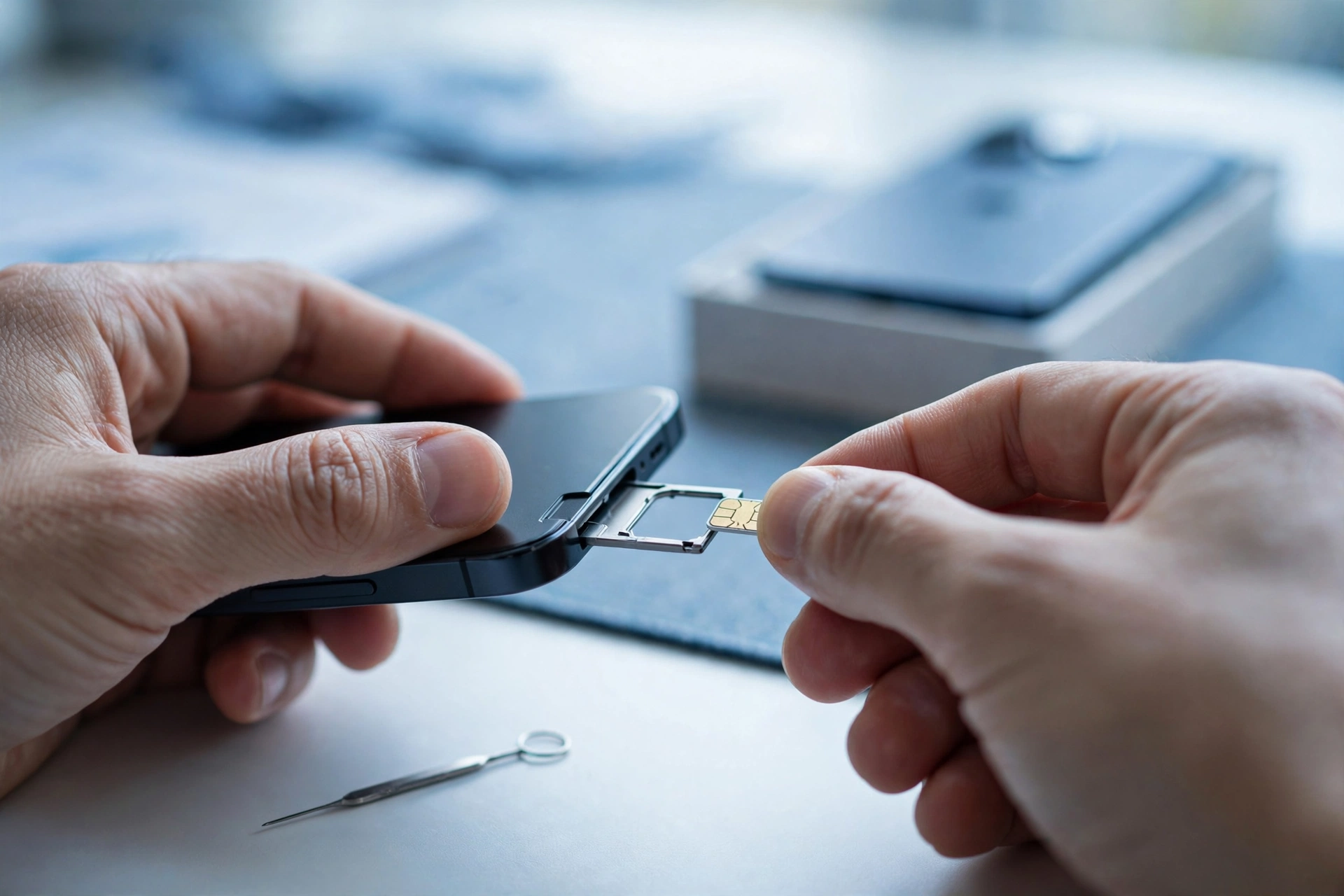
Your Phone Arrived — Now Activate It
Activation takes about 10 minutes:
- Insert the SIM card that came in the box (or scan the eSIM QR code).
- Power on and connect to Wi-Fi.
- Follow the on-screen setup — Apple ID, passcode, Face ID.
- Make a test call to confirm your free service is live.
- Port your old number if you want to keep it (ask your provider).
Application FAQs
Everything applicants ask before they hit submit.
How long does it take to get a free iPhone?
Where do I apply — the provider or the government?
Is the application really free?
What if my application is denied?
Can I apply by phone or mail instead of online?
Do I need a credit check to apply?
How do I track my application status?
When will my free phone arrive?
Ready? Start With Step 1
Confirm you’re eligible in 60 seconds, then work through your checklist — your free iPhone is about two weeks away.
Check My Eligibility →